13 hours ago
Why turn this option off on your TV?
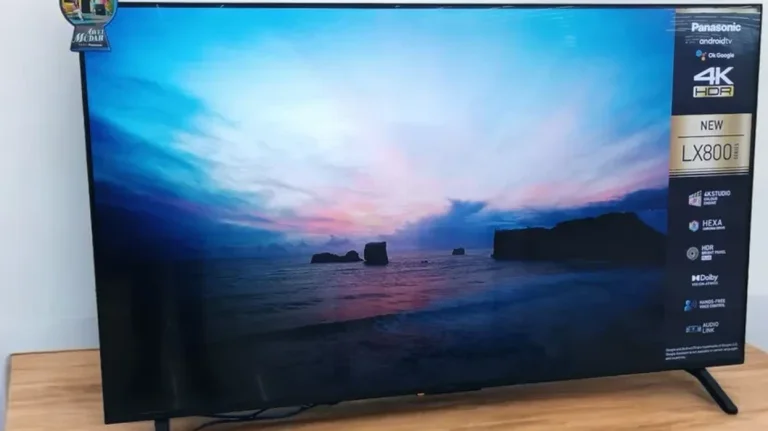
Periskopi(3 months ago)
(3 months ago)When you buy a wise new television, it comes with many functions that look excellent on paper, but in practice it often worsens the experience of sight. One of them is Auto-Brightness. While it sounds logical to fix the screen automatically according to light in the room, this option is often the enemy of [the...] quality.
One of them is Auto-Brightness. While it sounds logical to fix the screen automatically according to light in the room, this option is often the enemy of the quality of the image especially if you want to watch movies the way their director thought they would.
The main problem with this function is its inadequacy. Imagine that you are watching a movie on a cloudy day as the sun appears behind the window, television quickly enhances the light.
This creates an image that constantly changes and distracts much. Instead of a stable quality, pick up faint colors and poor contrast between an important film scene.
Of course, automatic lighting is not completely worthless. If you use the TV primarily to watch news or sports games during the day, you can leave it active. In such situations, it is more important to see clearly what is happening on the screen than to achieve perfect contrasts.
However, for film viewing or series, experts recommend turning off general image processing functions (including automatic lighting) and setting light manuals according to your preference for better visual experience. /Periscope