4 days ago
Look how many people have stored your pictures in the Institute.
Periskopi(6 years ago)
(6 years ago)An Instagram trick allows you to see how many people store your photos. Just go to your Business Account at the Instagram, just a few clicks away. * Your account -> Three lines to the upper right corner -> Qualitys * Accounting -> switch to professional account -> Business Follow to the bottom [...]
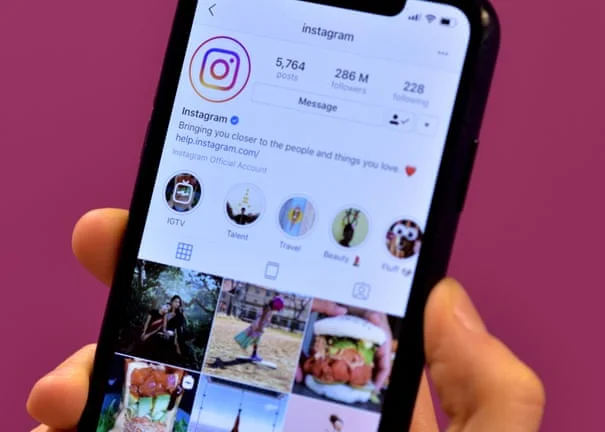
An Instagram trick allows you to see how many people store your photos. Just go to your Business Account at the Instagram, just a few clicks away.
* Your account -> Three lines to the upper right corner.
* Account -> Switch to professional account - Business>
Follow by the end of the line, if you want to set your contact information and that's all. Just enter a contact address (for example, an email).
Once you have chosen this type of profile, it is very easy to see the number of people who stored your photos.
Go to the photo you want to check and select “Look at the” images. Here you will see how many times your picture has been stored. Unfortunately, you can't see exactly who saved it.
If you don't like it, you can always go back the same way you came, you're writing "Mirerre."
Simply select “Personal account” from “Your account” and your account will be returned as if nothing had changed.