11 hours ago
Why is everyone talking about the iPhone's SOS option: When and how to use
Periskopi(5 years ago)
(5 years ago)If you have been active in social networks recently, you may have heard of the disappearance and murder of Sarah Everard, a 33-year-old lost and then found lifeless in southern London after leaving her friend's house on March 3rd. Its tragedy highlighted the gross lack of [...]
If you have been active in social networks recently, you may have heard of the disappearance and murder of Sarah Everard, a 33-year-old lost and then found lifeless in southern London after leaving her friend's house on March 3rd. Her tragedy highlighted the serious lack of security women face today as they engage in daily routine activities.
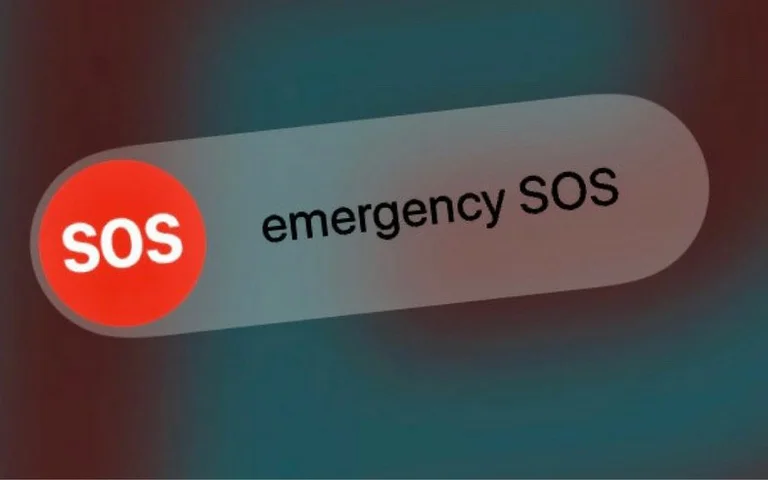
Although there are many applications that can help them feel secure or tell when they're in danger, in the Instagram and not alone, people are talking about a simple trick that the iPhone offers: The emergency SOS system that will not only announce all emergency services in case of danger, but your contacts are enabled in case of emergency.

Such a message, just days ago, Italian blogger and entrepreneur Chiara Ferrigni made it public, urging women to activate the SOS option on their phone.

How does this option work?
Those who possess an iPhone 8 or others after him simply keep pressing the volume button and the other side button for a while. You will see that “Ergency SOS” will appear on the screen. If you click it, you will show the option to call one of the emergency services or if you follow up to keep the keys automatically pushed, the notification will go to these services.
On iPhone 7 and those in front of him, you have to push the button that's at the top of the phone five times.
Once your call ends, the option itself will automatically communicate with your failsafe contacts and send your location with a message. If you have activated the location, it will automatically be enabled and contacts will be notified of any type of change. 10 minutes later you will be notified of any changes made.
How can you add emergency contacts?
First you need to open the Health app and click on the account photo.
Then click the Medical ID option. Afterward, click on the sign that you can add a contact that you would like to report in case of an emergency. Finally, remember to save all changes.
Source Layer: Pop Sugar